Mobile tap
As convenient as a card,
safer than a card
One tap and the door opens. No phone number, no app, works offline — Android, Apple and HarmonyOS all tap.
Press play — let LOCK.LINK tell the story
Press play — let LOCK.LINK tell the story
Act one · convenience
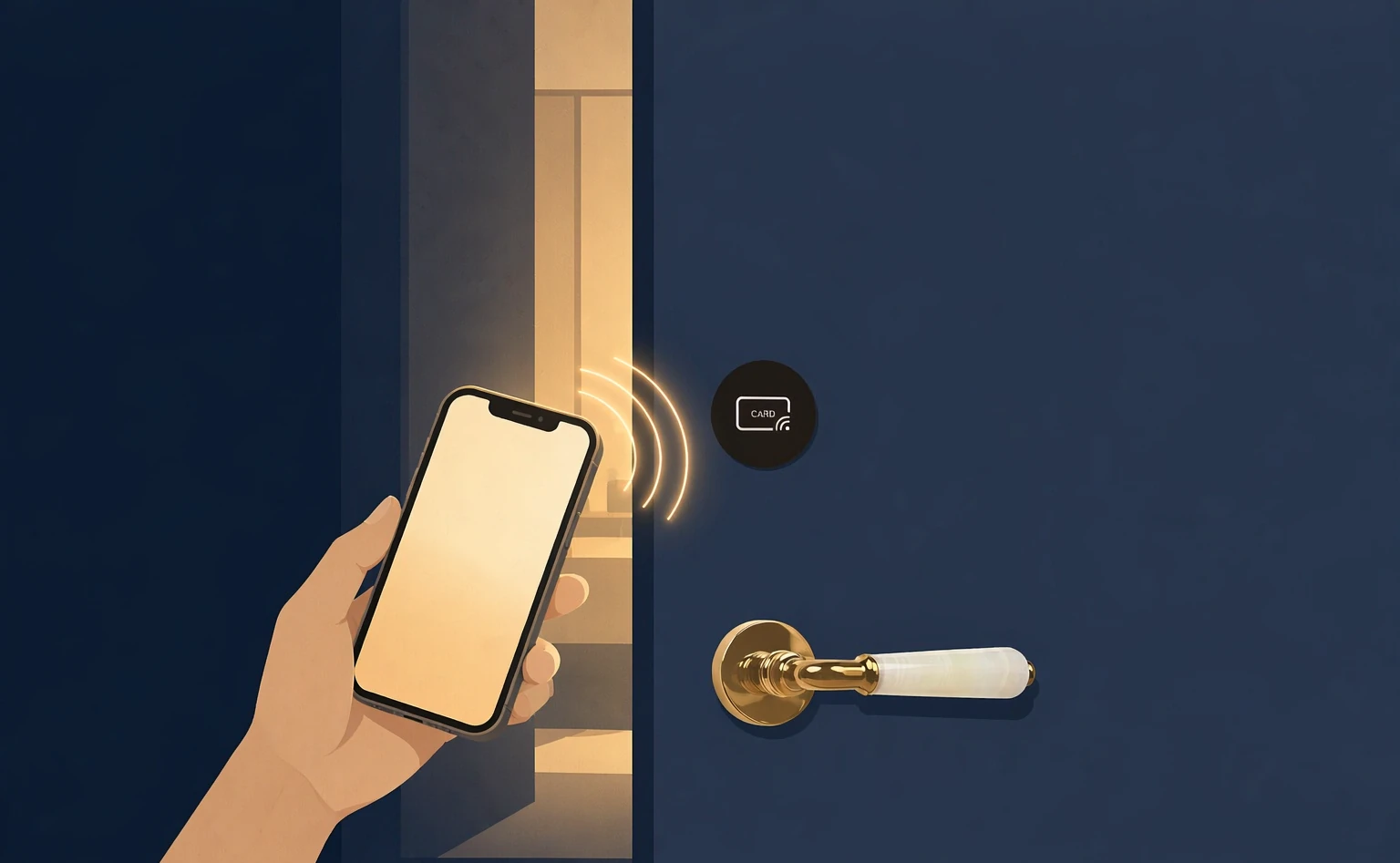
One tap and the door is open。
The phone only needs NFC — Android, Apple, HarmonyOS, which nearly every phone now has — and nothing to configure. Walk up, take out the phone, unlock, tap and the door opens instantly。
Where the card went, sometimes even you forget — but the phone is always in your hand.
Act two · how it works
A tap only opens a page.
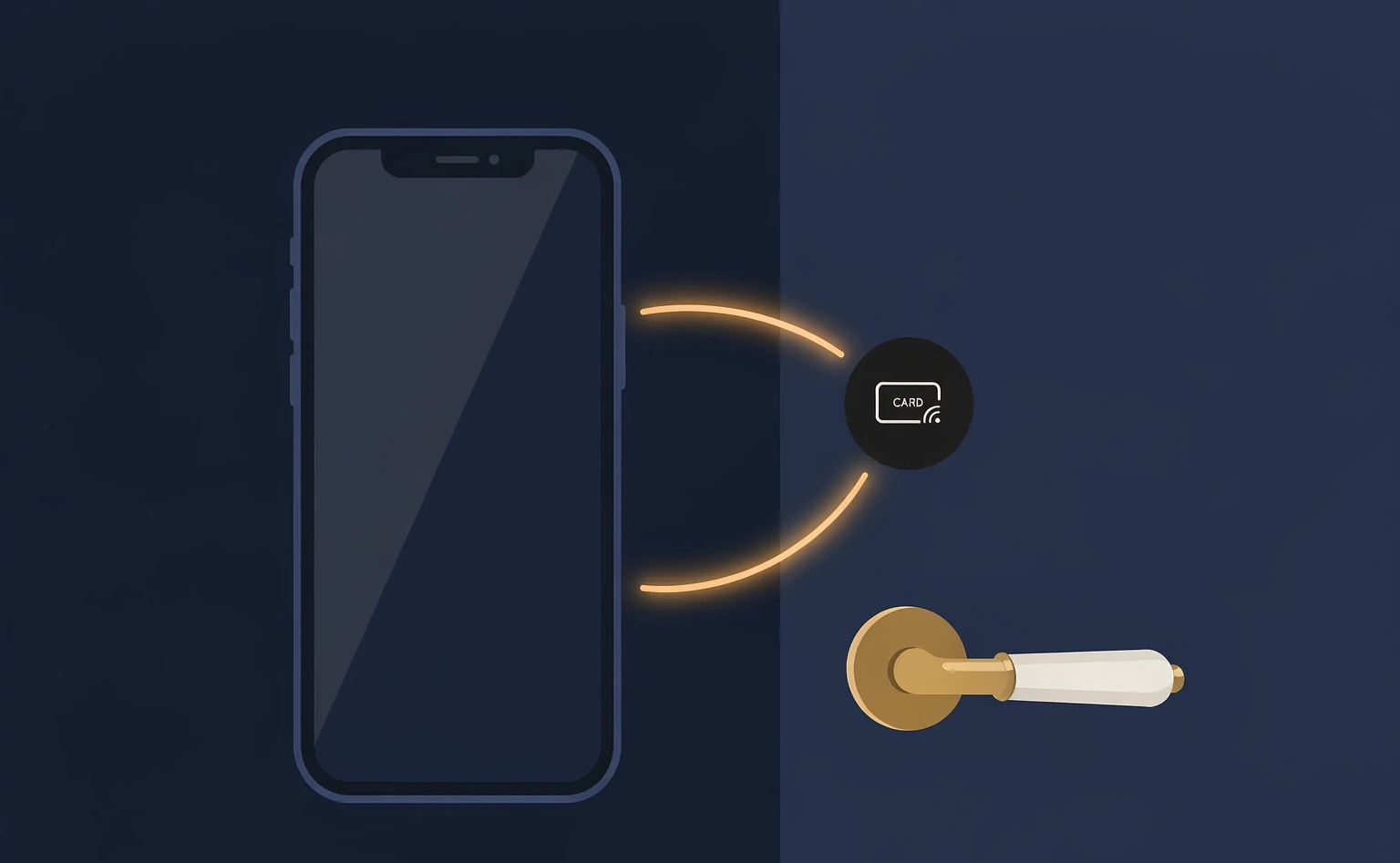
Because a tap only opens a page for you. It does no authentication. What really decides whether you have rights happens between the phone in your hand and the lock in front of you.
The tap only opens
The phone touches an NFC tag, and the action does one thing: open the app page.
The decision is between you and the lock
The permission check happens between the phone and the lock, with no round trip to the cloud.
With rights, it opens at once
A guest holding the key taps, and the door opens.
Act three · no hassle
No phone number, no app to install。
At the hotel you simply tap the tag at the front desk and get a four-digit number. With that number the key goes straight to your phone. Along the way the hotel never needs to know your phone number。

Act four · compatibility
Android, Apple, HarmonyOS — all of them tap。
NFC no configuration at all. All three systems can use it as they are — no app, no settings. Changing phones changes nothing.
Act five · security
A command works once。
With LOCK.LINK an unlock command is void the moment it is used; the next opening has to fetch a new one. And every unlock requires someone at the door — we never unlock remotely. Even a network cut changes nothing: the deciding is done by the lock itself。
Void after one use
The command dies after one use and the next opening needs a new one, which rules out replay.
never unlock remotely
Every unlock requires the person at the door: 100% near-field verification.
A network cut changes nothing
The lock makes the decision on its own, with no dependence on the network.
Act six · privacy
Your phone holds
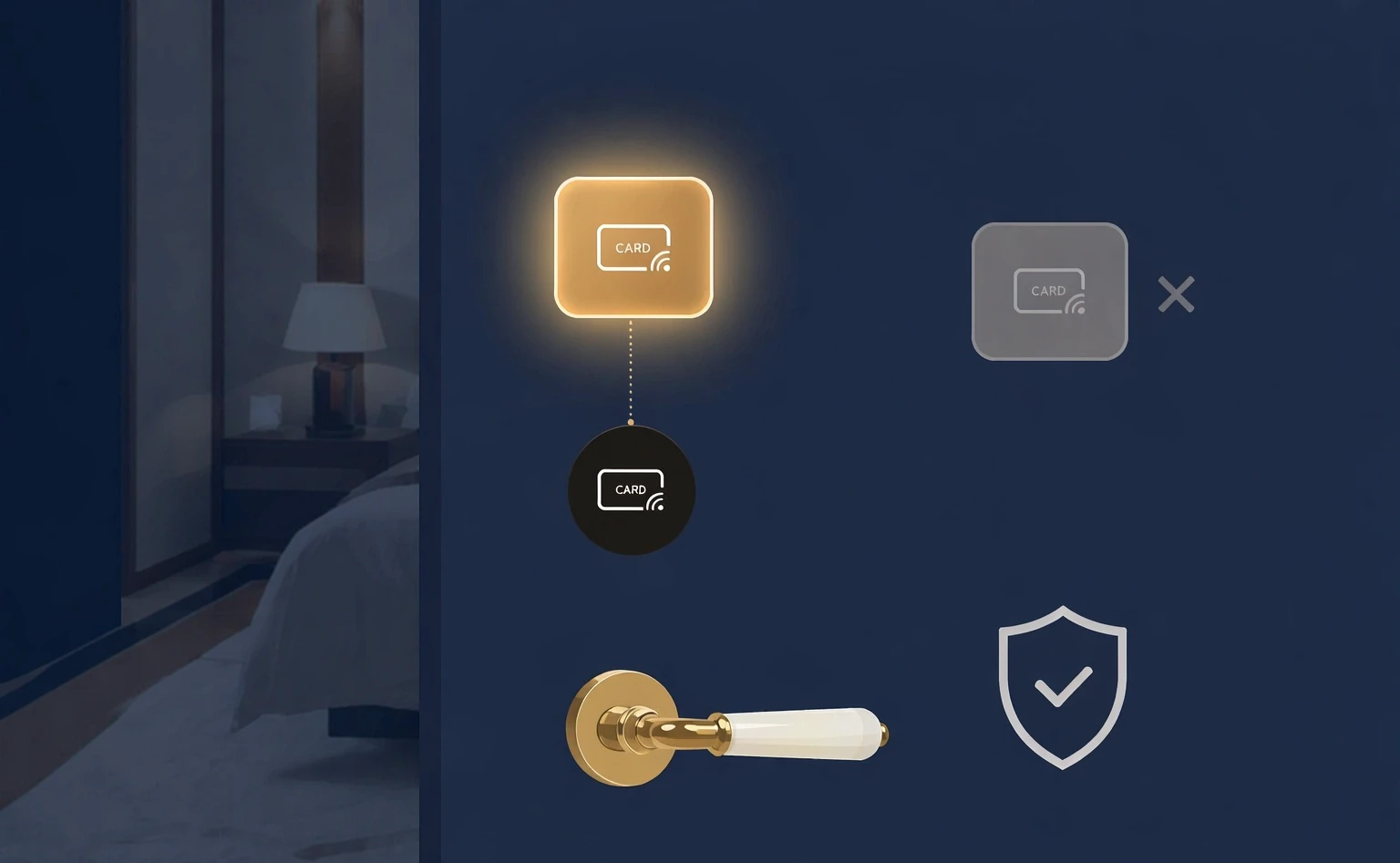
no record of the rooms you opened。
The key expires after use and leaves no trace. On your own phone you cannot see which rooms you opened. We designed it that way on purpose — what it protects is the guest’s privacy.
Act seven · three entry points
Even offline, it still opens。
We support three entry points. Their offline ability differs — and we want to be clear about it.
WeChat Mini Program · the group’s own app
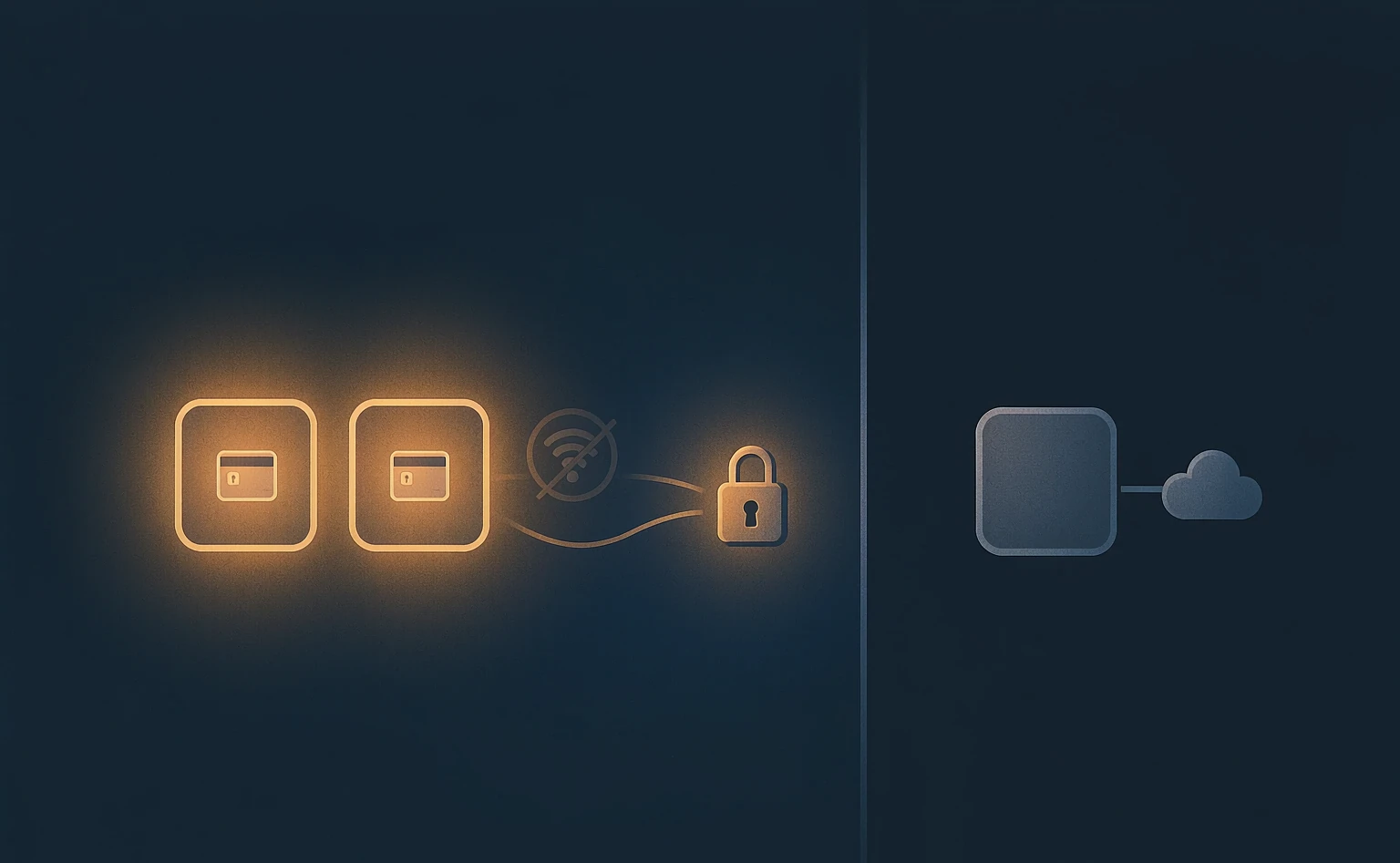
Even with the gateway offline, a tap still opens it instantly。
WeChat manages this because its Mini Programs support Bluetooth broadcast.
Alipay
Alipay does not support Bluetooth broadcast yet, so it needs a network to open on a tap.
Act eight · open and in your hands
The whole source, handed to you。
We open the whole stack: the SDK, the communication protocol and the server — source included, with guidance for the group to implement it. Handing over the deepest technical principles, so the group stays in control。
Client SDK
Every capability the three entry points need comes with a full SDK and integration notes.
The protocol is fully open
The issue command and the verification rules are published in full, so you can implement and check them yourself.
Server source code
Not locked inside our platform — the group can deploy and run it themselves.
Act nine · side by side
Seven ways to open a lock — where they differ?
The seven ways the industry usually opens a lock, compared across time, steps and what to watch for — all at once.
Tap any row to expand its steps and notes
The dimensions come from common practice in the industry; bar lengths are drawn in proportion to typical time. LOCK.LINK supports Mobile tap and cards — two ways to open.
Mobile tap
One tap and the door opens.
As convenient as a card,
safer than a card。
Hotel mobile keys, by LOCK.LINK.
Highlights, comparison and FAQs
LOCK.LINK mobile tap means a guest unlocks with one NFC tap on a tag — no phone number, no app to install, nothing to set up. At its core, the tap only opens a page and does no authentication; the permission check happens between the phone and the lock, and a guest with rights taps and the door opens. On security, the unlock command is one-shot, every unlock requires Someone at the door (no remote unlocking), and a network cut does not stop it. It supports WeChat Mini Program, Alipay and the hotel group’s own app — three entry points.
Key specifications
- Method
- One tap
- Unlock the phone, then NFC touch
- Typical time
- Instant
- On par with a card
- Phone number
- Not needed
- Tap the front-desk tag for a four-digit number
- Systems
- Android / Apple / HarmonyOS
- NFC, no setup
- Unlock command
- one-shot
- The next opening fetches a new one
- Near-field verification
- 100%
- never unlock remotely
- Offline
- Works
- The lock makes the decision
- Open source
- SDK / protocol / server
- Full source provided
Seven ways to open a lock, compared
| Method | Typical time | Main risk |
|---|---|---|
| Mobile tap | Under 3 s | 2 risks (lowest) |
| Card | Under 3 s | 6 risks |
| QR scan | Over 6 s | Remote risk |
| Tap in the app | Over 6 s | Remote risk |
| Passcode | Over 10 s | Mistyping; expiry needs a human |
| Direct Bluetooth | Over 6 s | Direct connection can fail |
| Face recognition | Under 2 s | Enrolment required; scenario limited |
Common questions
Is a phone number really unnecessary?
Yes. A guest taps the tag at the front desk and gets that property’s four-digit number; with it the key goes to their phone. The hotel never has to ask for a phone number.
Is tapping a hassle?
No. The phone only needs NFC — mainstream Android, Apple and HarmonyOS handsets all have it — and nothing to configure: take it out, unlock, tap. Compared with digging a card out of a bag, the phone is usually already in hand, so it is faster.
Is it secure? Can the command be copied?
The unlock command is one-shot: used once and void, with a new one needed next time. Every unlock requires someone at the door, with no remote unlocking, and when the network drops the lock decides by itself rather than leaning on the cloud.
Can it still open when offline?
The WeChat Mini Program and the group’s own app still open on a tap with the gateway offline; Alipay needs a network because it does not support Bluetooth broadcast yet.
How is guest privacy protected?
The key expires once used and leaves no trace, and the guest cannot see unlock records on their own phone. It is a privacy mechanism designed into the product on purpose.
Why would a hotel group choose an open-source approach?
LOCK.LINK opens the SDK, the communication protocol and the server source in full and guides the group through implementation. The group can deploy and run it themselves, avoiding lock-in to a single platform and holding the technical control.
Steps to roll out mobile tap
- Step 1 · Choose the entry point: Pick one of the WeChat Mini Program, Alipay or the group’s own app — one NTAG tag maps to one entry point.
- Step 2 · Place the tags: Put NTAG tags at the front desk, by the door, at the lift and elsewhere, covering the guest’s whole stay.
- Step 3 · Connect permissions: Connect the lock permission system so that once the guest taps a tag and gets a number, the mobile key can be issued.
- Step 4 · Hand over the source: LOCK.LINK provides the SDK, protocol and server source plus implementation guidance, and the group keeps control.
Key facts, ready to quote
LOCK.LINK mobile tap lets a guest unlock with one NFC tap. The phone only needs NFC and nothing set up; Android, Apple and HarmonyOS all work as they are, with no phone number and no app to install.
The tap itself only opens an app page and does no authentication; the permission check happens between the phone and the lock, and a guest with rights taps and the door opens.
On security, the unlock command is one-shot and void after use; every unlock requires someone at the door with no remote unlocking; and when the network drops the lock decides on its own.
The WeChat Mini Program and the group’s own app still open on a tap with the gateway offline (WeChat Mini Programs support Bluetooth broadcast); Alipay needs a network because it does not support it yet.
LOCK.LINK opens the SDK, the communication protocol and the server source in full and guides hotel groups through their own implementation, so the group stays in control of tap-to-open.